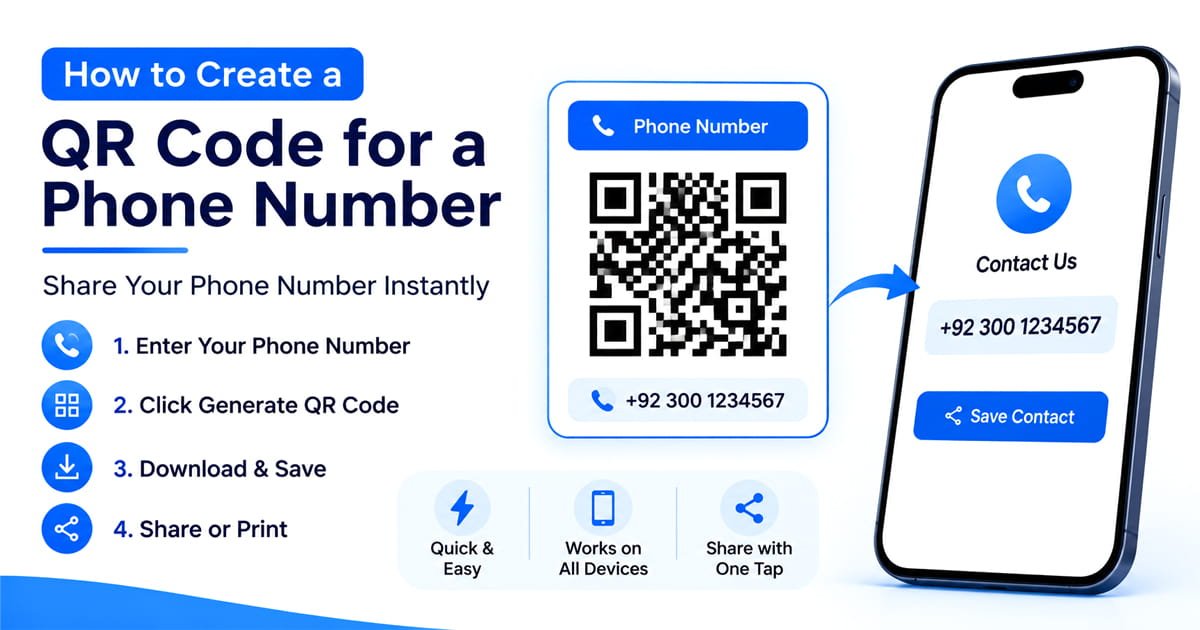
Learn how to create a QR code for a phone number that opens the dialer when scanned. Includes phone number formatting, testing tips, and practical uses.
A phone number can be difficult to type correctly when someone sees it on a business card or visiting card, poster, vehicle, menu, sign, or printed advertisement. A phone number QR code offers a simpler and easier option: scan the code, open the phone's dialer with the number ready, and tap the call button simply.
You don't need to know anything about QR code technology to make one don't worry. You only need the phone number you want people to call and a QR code generator that supports phone numbers.
This guide explains every steps how to create a phone number QR code, how it works, how to format the number correctly, and how to test it before sharing or printing it.
What Is a Phone Number QR Code?
A phone number QR code is a QR code that contains a telephone number. When someone scans it with a smartphone camera, the phone can recognize the number and open the dialer with that number ready to call.
The person scanning the code still normally has to confirm the call. The QR code is not supposed to place a call silently without the user's action.
This makes a phone QR code useful when the main goal is to make calling easier rather than sending someone to a website.
How to Create a QR Code for a Phone Number
Creating a phone number QR code only takes a few steps.
Step 1: Choose the Phone Number
Decide which number you want people to call.
It could be:
- A business phone number
- Customer support number
- Sales number
- Restaurant number
- Real estate agent's number
- Service provider's number
- Personal contact number
- Emergency contact number
Before generating the code, check the number carefully. If the wrong number is encoded, every printed copy of the QR code can send people to the wrong contact.
Step 2: Open a QR Code Generator
Use a QR code generator that includes a Phone or Phone Number option.
Our QR Code Generator includes a phone QR code option, so you can create the code directly in your browser totally free.
Select the phone number QR code type and enter the number you want to encode.
Step 3: Enter the Phone Number Correctly
Phone number formatting matters, especially if the QR code may be scanned by people from different countries.
For an international audience, it is generally better to include the country code.
For example:
+1 555 123 4567
The exact format accepted by a generator can vary, so check the preview or generated result before downloading it.
For a local audience, you may also use the normal local format supported by your generator.
Step 4: Generate the QR Code
After entering the number, generate the QR code.
The generator converts the phone information into a scannable QR pattern. You do not have to manually create the QR structure or write any code.
At this point, preview the result and make sure the number shown by the generator is the number you intended to use.
Step 5: Download the QR Code
When you've confirmed the number, download the QR code in a suitable format.
For websites, digital documents, and smaller designs, a high-quality PNG can work well.
For large printed materials, a vector format such as SVG can be useful because it can be resized without losing the sharp edges of the QR pattern.
Step 6: Scan It Before Publishing
This is the step you should not skip.
Use a smartphone to scan the QR code and check what happens.
Make sure:
- The QR code scans easily.
- The correct phone number appears.
- The phone opens the dialer as expected.
- The number is not missing or incorrectly formatted.
- The call confirmation is shown before making the call.
If you are going to print thousands of copies, test the actual printed version as well.
What Happens When Someone Scans a Phone QR Code?
The exact screen can vary between phones and operating systems, but the basic process is simple.
Scan → phone recognizes the number → dialer opens → user confirms the call.
The QR code is essentially providing the phone with a telephone destination. Modern smartphones can recognize this type of information and offer the appropriate action.
This is different from a normal website QR code.
A website QR code takes someone to a web page, while a phone number QR code is designed around making contact by telephone.
Why Use a QR Code for a Phone Number?
A phone QR code removes the need to manually type a long number.
That can be particularly useful when the number is printed somewhere that is difficult to type from.
Business Cards
Instead of making someone manually enter your number, add a QR code with a clear label such as Scan to Call.
Storefronts
A shop can place a phone QR code near its entrance or window so customers can quickly access the business number.
Posters and Flyers
Printed advertising often has limited space. A phone QR code gives people another quick way to contact the business.
Vehicles
Service businesses can place a phone QR code on a vehicle alongside their business name and phone number.
Real Estate Signs
A property sign can include a phone QR code so interested buyers can quickly reach the agent or seller.
Customer Support
A support number can be converted into a QR code and placed on packaging, instruction sheets, receipts, or other customer-facing materials.
If you want visitors to reach a website, use a URL QR code. If the main goal is a phone call, use a phone number QR code.
If you're new to QR codes, you can also read our guide on how to create a QR code.
How to Make a Phone QR Code Work Reliably
Generating the code is only part of the process. The final design also needs to remain easy to scan.
Keep Strong Contrast
Use enough contrast between the QR code and its background.
A dark QR pattern on a light background is a simple choice that is generally easy for cameras to distinguish.
Don't Make It Too Small
The right physical size depends on the scanning distance, print quality, and the amount of information encoded.
A code that will be scanned from several feet away should not be treated like a tiny QR code printed on a business card.
Leave Space Around the QR Code
Keep a clear area around the QR code instead of placing text or graphics directly against its edges.
This helps scanning systems distinguish the QR symbol from surrounding content.
Don't Over-Customize It
Logos, colors, frames, and other design elements can make a QR code more attractive, but readability should come first.
If the customized version does not scan reliably, simplify the design.
Add a Clear Call to Action
Don't assume everyone will immediately know what the code does.
A short label such as:
Scan to Call Us
or
Scan to Call
can make the purpose obvious.
Should You Include the Phone Number Beside the QR Code?
Yes, especially for printed materials.
A QR code should make calling easier, but it doesn't need to replace the traditional phone number completely.
For example:
Scan to Call
+1 555 123 4567
This gives people two options: scan the code or manually dial the displayed number.
It is also useful if someone's camera cannot scan the QR code for any reason.
Can a Phone QR Code Be Used Internationally?
Yes, but the phone number should be formatted appropriately for the audience.
If people from different countries may scan the code, including the international country code is a sensible approach.
For example, a number intended for international use could begin with a + followed by the country code and subscriber number.
Always test the final QR code using a phone and, when relevant, test it with the number format your target audience will actually use.
Does a Phone QR Code Automatically Call Someone?
Usually, no.
Scanning a phone number QR code can open the phone's dialer with the number prepared, but the user normally has to tap the call button to confirm the action.
This is important because a QR code should not be treated as a way to secretly place a phone call simply because someone scanned it.
The exact behavior can vary depending on the device, camera, operating system, and QR scanning method.
Can I Create a QR Code for Any Phone Number?
You can create a QR code containing a phone number as long as your QR generator supports phone-number QR codes.
Before publishing it, make sure you have permission to share the number and that it is actually the number you want people to contact.
For businesses, this is especially important when using customer-service or sales numbers that may change over time.
Can I Change the Phone Number After Printing the QR Code?
This depends on the type of QR code you create.
A static phone QR code stores the phone destination directly in the QR code. If you change the phone number later, you generally need to generate and print a new QR code.
A dynamic QR system may work differently because the QR code can point to a managed destination that can be changed later.
If the number is likely to change frequently, check whether your QR service supports an editable or dynamic setup before printing a large quantity.
How to Test a Phone Number QR Code
Before publishing or printing the code, run a simple test.
Test on a Smartphone
Scan the QR code with the phone's camera or QR scanner.
Check the Number
Confirm that the correct number appears in the dialer.
Test the Call Flow
Make sure the phone gives you the expected call option.
Test the Printed Version
If the QR code is going on a poster, sign, business card, packaging, or vehicle, scan the actual printed version.
Test From the Expected Distance
If people will scan the code from a distance, test it from approximately that distance before finalizing the design.
Best Places to Put a Phone Number QR Code
A phone QR code works best where someone already has a reason to contact you.
Good examples include:
- Business cards
- Store windows
- Flyers
- Posters
- Vehicle signage
- Real estate signs
- Restaurant advertisements
- Service company advertisements
- Product packaging
- Event information
- Customer support materials
The QR code should be placed somewhere visible and should have enough space around it to remain easy to scan.
Frequently Asked Questions
How do I create a QR code for a phone number?
Choose the phone number option in a QR code generator, enter the number, generate the QR code, download it, and test it with a smartphone before using it.
What is a phone number QR code?
It is a QR code containing a telephone number. When scanned, it can open the phone's dialer with the number ready for the user to call.
Can I make a QR code that lets people call me?
Yes. A phone number QR code is designed for this purpose. After scanning, the phone can present the number in the dialer so the user can confirm the call.
Do phone QR codes work on iPhone and Android?
Modern iPhones and Android phones can generally recognize QR codes through their camera or built-in scanning features. However, the exact behavior can vary by device and software, so testing your finished code is recommended.
Should I add the country code to a phone QR code?
If the QR code may be scanned internationally, including the country code is recommended. It makes the number more clearly defined for international callers.
Do I need an app to scan a phone QR code?
Many modern smartphones can scan QR codes using their built-in camera or system QR scanner. An additional QR scanning app may not be necessary.
Does scanning a phone QR code call automatically?
Normally, scanning presents the phone number or opens the dialer, and the user confirms the call. It should not silently place a call without user interaction.
Can I print a phone QR code on a business card?
Yes. Business cards are one of the practical uses for phone QR codes because they give people a quick alternative to manually saving or typing a phone number.
Create Your Phone Number QR Code
If you want people to contact you without manually typing your phone number, a phone QR code is a simple solution.
Enter the number into a phone QR code generator, check the result, scan it yourself, and only then add it to your business card, poster, flyer, vehicle, packaging, or other material.
Create your phone number QR code with our free QR Code Generator.